
Custom Reporting Samples
Being able to customize your call center reports according to your business needs is vital. Not all businesses have the same setup, teams or objectives — below are real samples of what Mr. VoIP's report customization tool can produce.
Report Samples
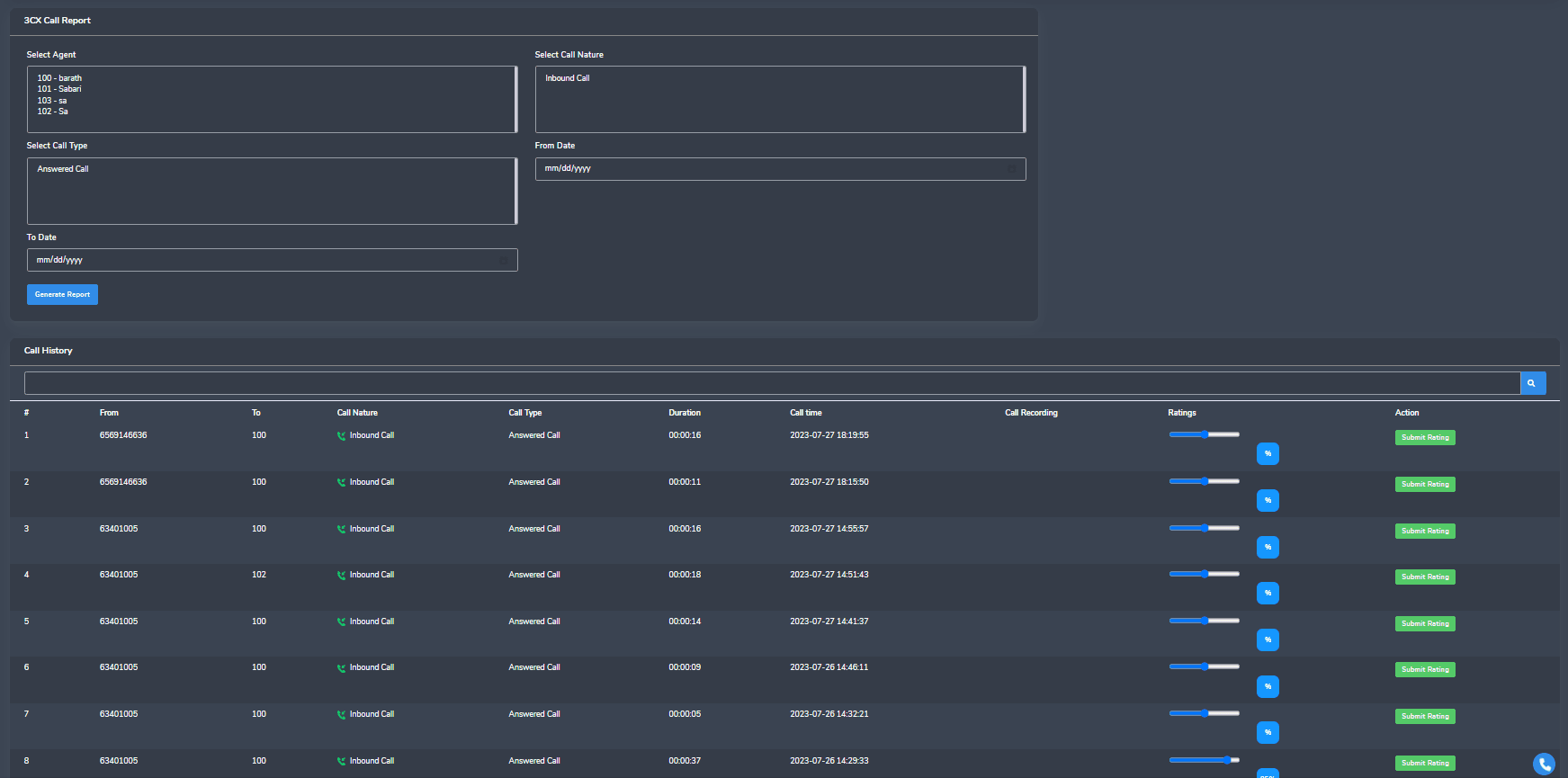
3CX report
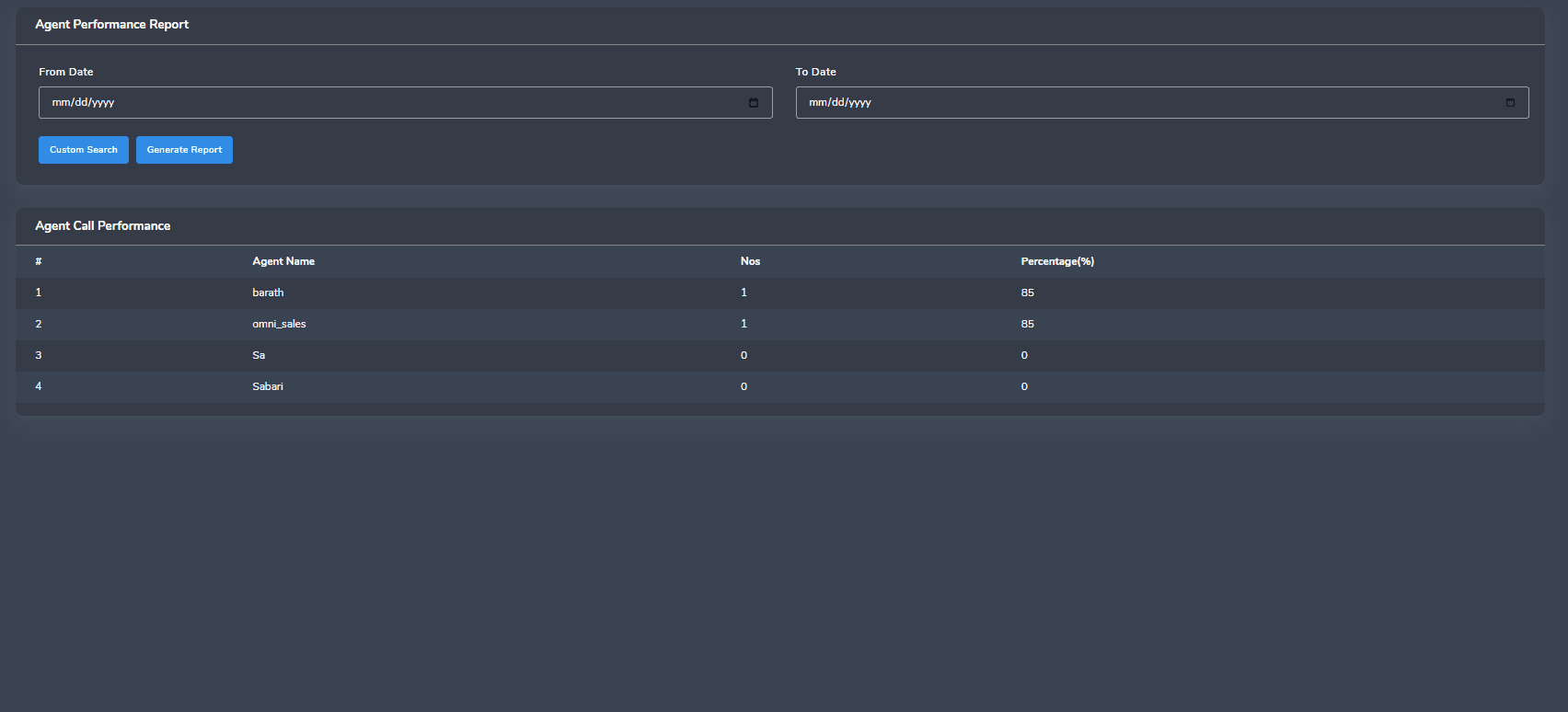
Agent performance report
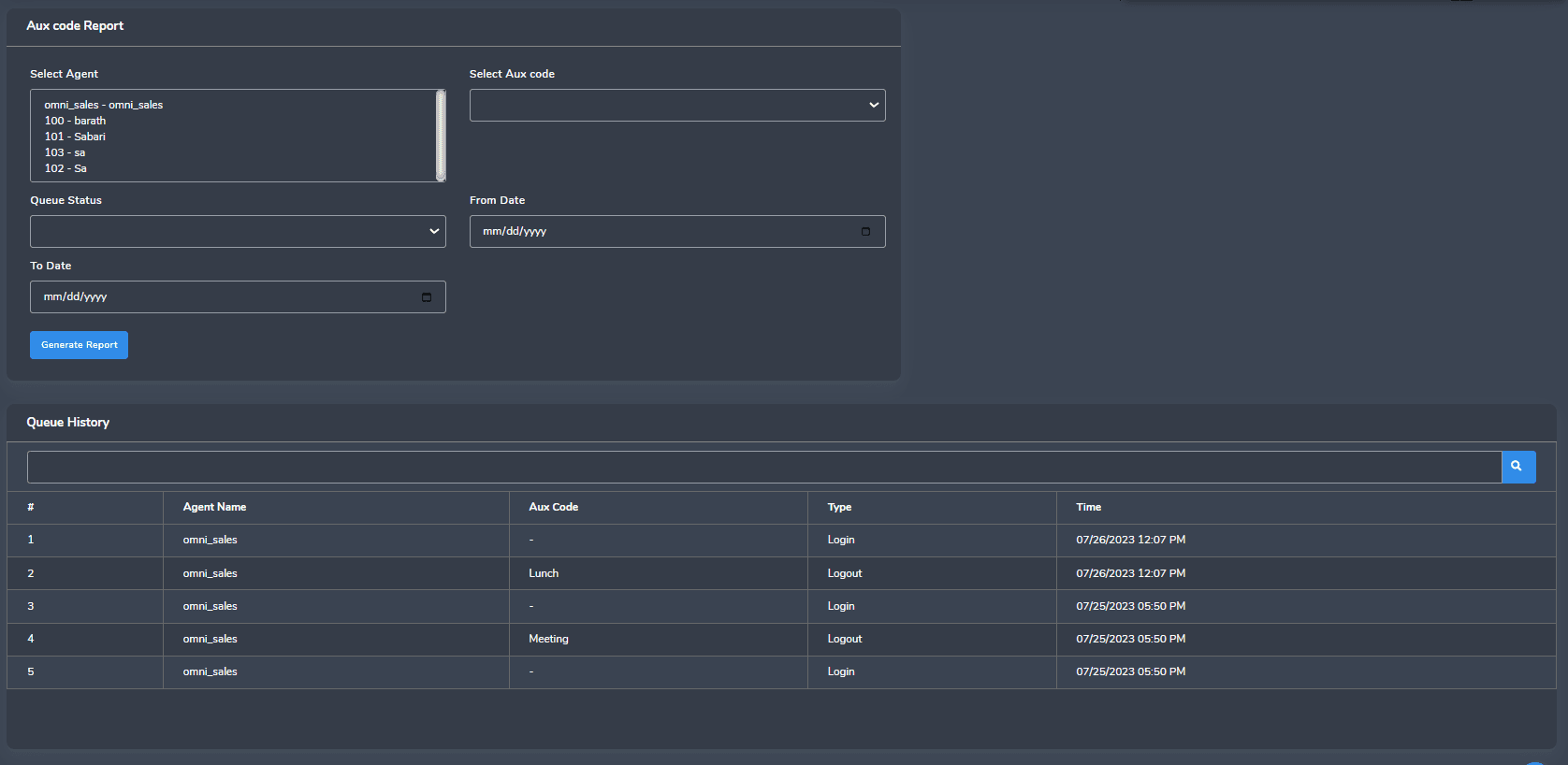
AUX code report
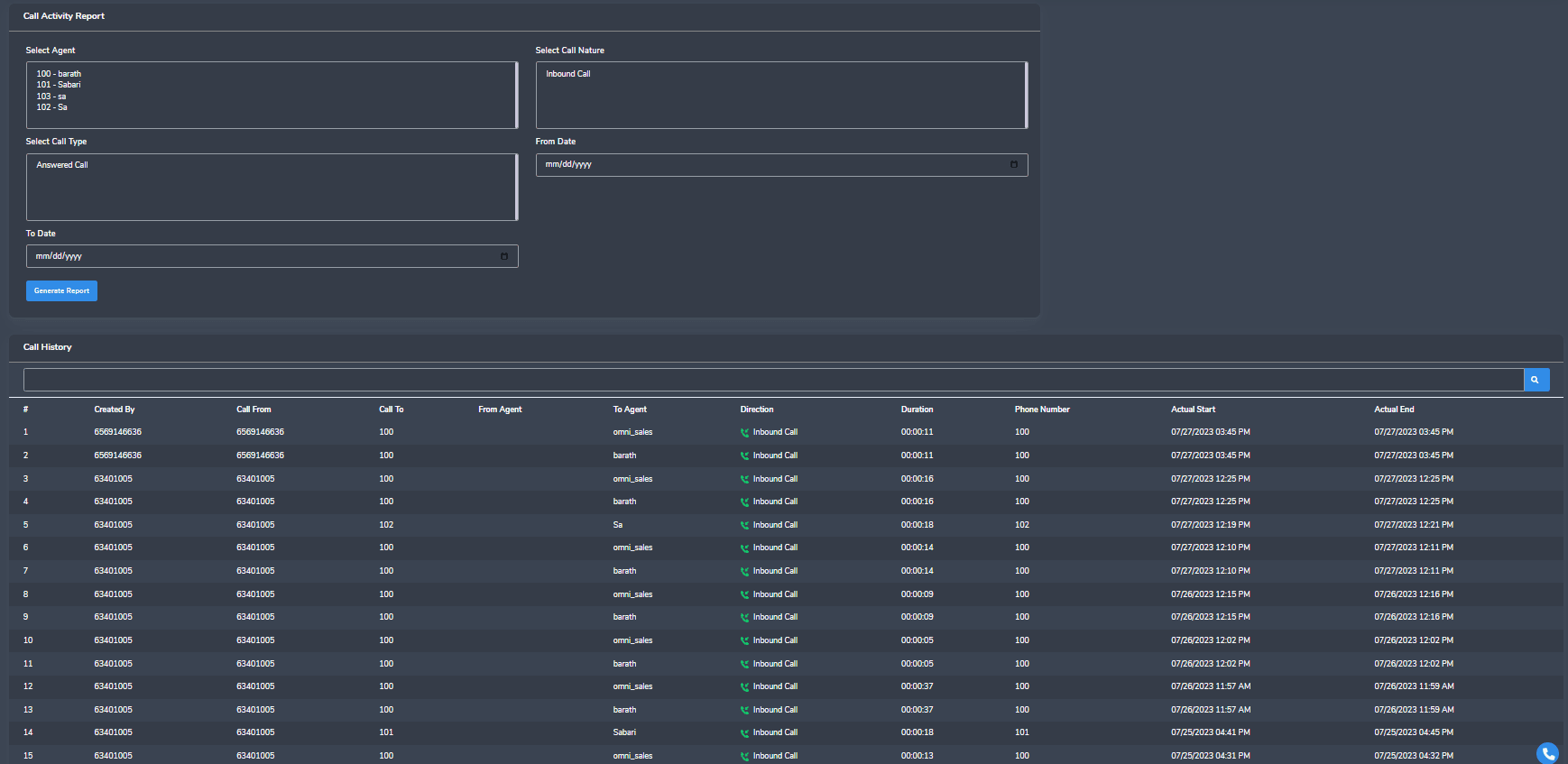
Call activity report
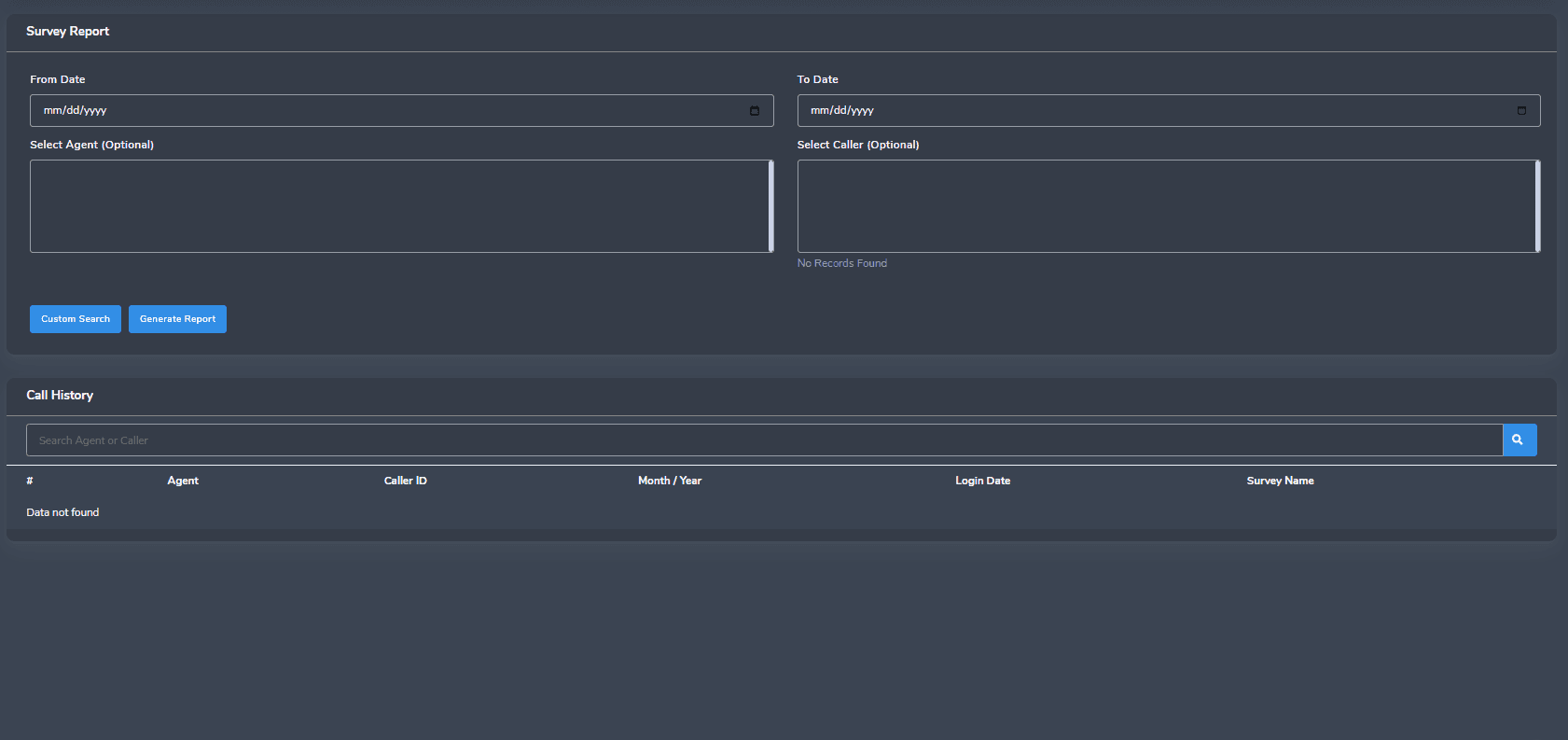
Survey report
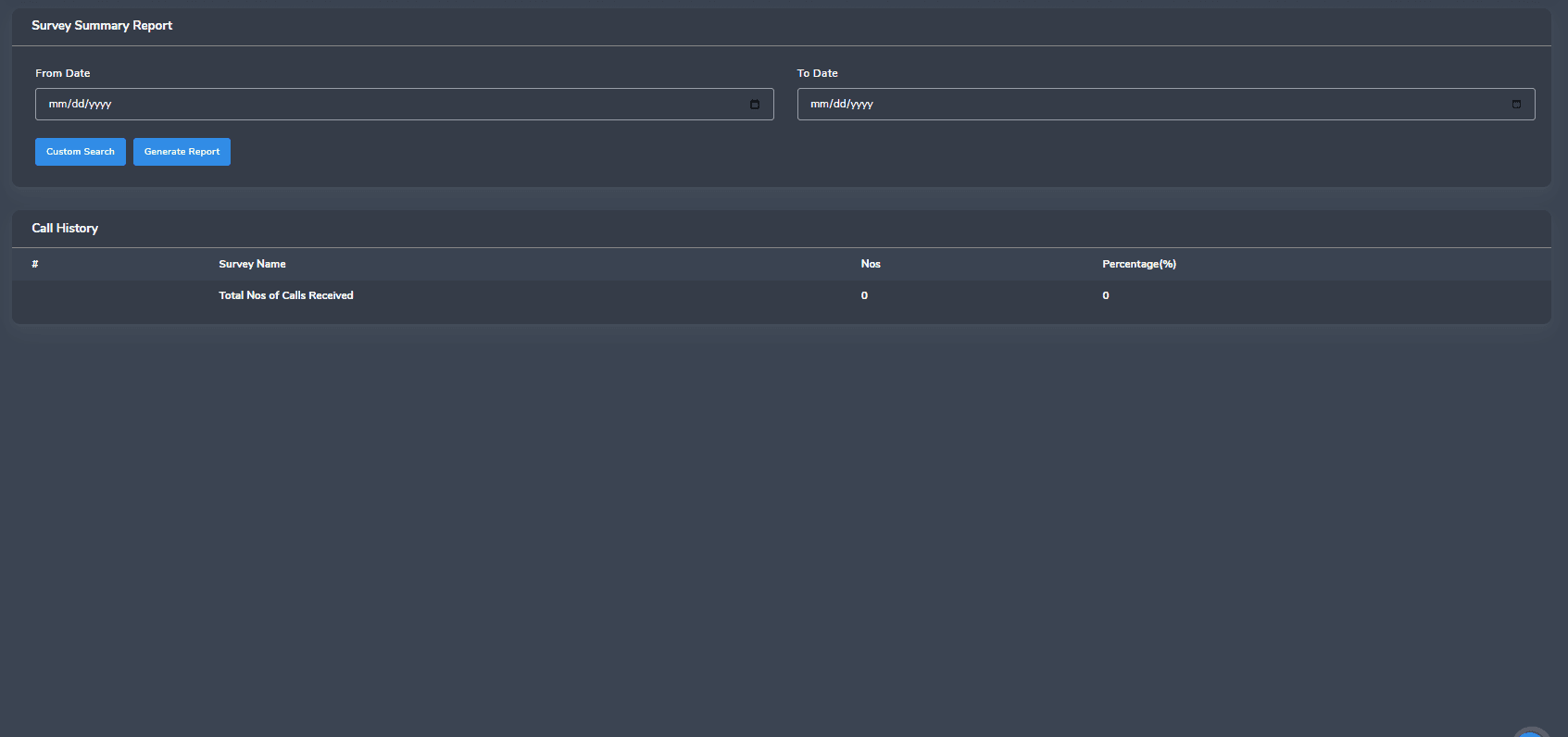
Survey summary
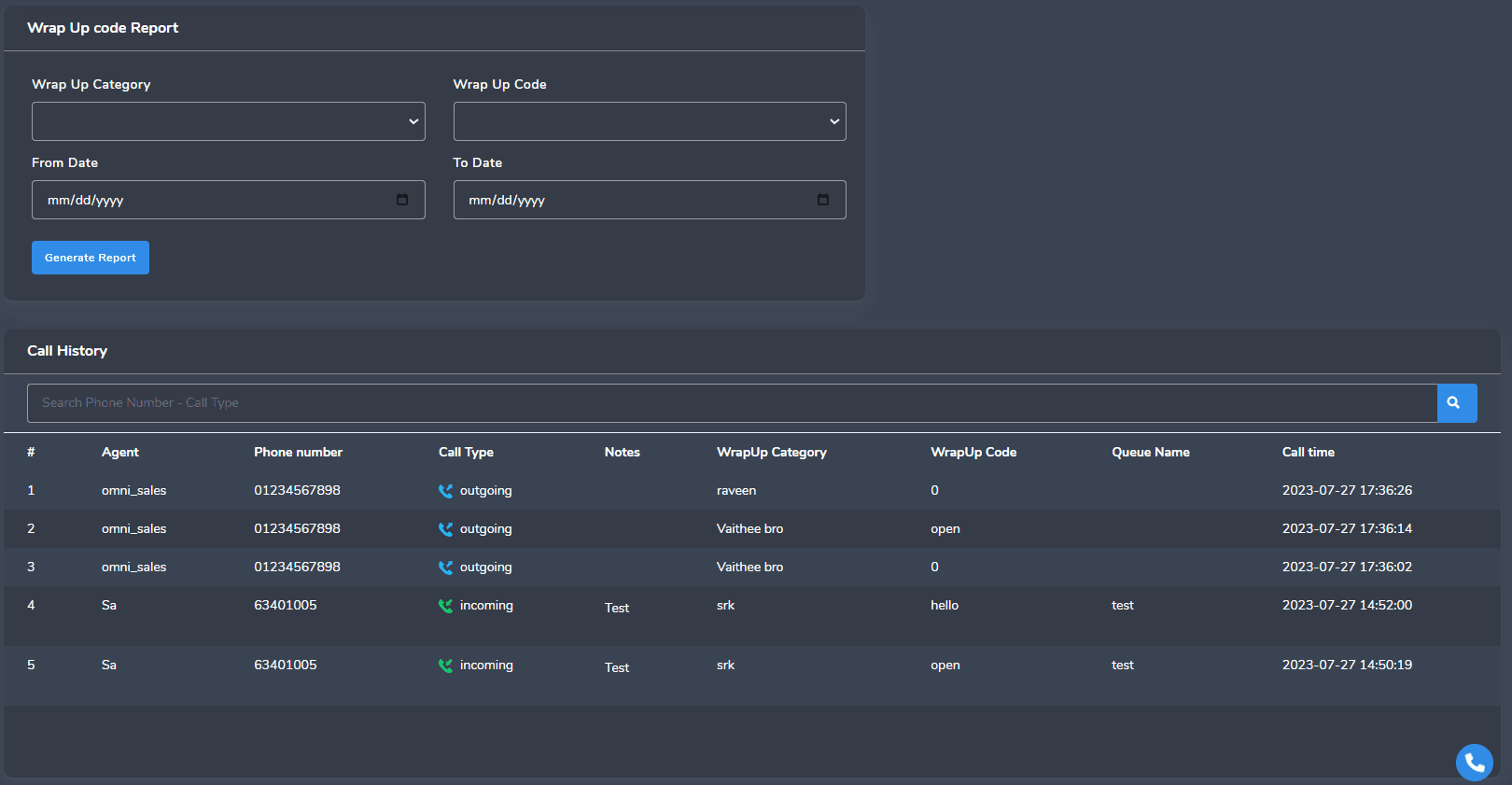
Wrap-up report
Agents Overview
| Name | Ext | Assigned Queue | Current Status | Status Duration | Outbound Calls | Avg. Outbound Time | ACD Calls | Avg Talk |
|---|---|---|---|---|---|---|---|---|
| Total | 9 | 9 | 9 | 9 | 53 | 0:00:00 | 0:00:00 | 0:00:00 |
| Agent 1 | 83321 | Q1 | 0:00 | 7 | 0:00:00 | 0:00:00 | 0:00:00 | |
| Agent 2 | 83511 | Q3 & Q2 | Training | 0:00 | 3 | 0:00:00 | 0:00:00 | 0:00:00 |
| Agent 3 | 83421 | Q1 | On Call | 0:00 | 3 | 0:00:00 | 0:00:00 | 0:00:00 |
| Agent 4 | 83319 | Q1 | On Call | 0:00 | 4 | 0:00:00 | 0:00:00 | 0:00:00 |
Agent — Calculation / Definitions
Below you can see the basic agent reporting fields required in historical and in real-time. The highlighted parameters are missing from the 3CX report — without them, monitoring an agent's productivity, occupancy and utilization isn't feasible. The alternative is tracking it manually in Excel, which is time-consuming, counterproductive and inaccurate.
| Field Name | Display Format | Calculation / Definitions |
|---|---|---|
| Agent Name | Text | Report Data Date |
| Agent ID | Numeric | ID of the Agent based on System |
| Ans. Calls | Numeric | Total Calls Answered |
| Total Talk Time | [hh:mm:ss] | Total Talk Time |
| Total ACW Time | [hh:mm:ss] | Total Wrap Time |
| Ext In Calls | Numeric | Total calls answered within call center Extensions |
| Total Ext In Time | [hh:mm:ss] | Total time spent with in call center Extensions answered calls |
| Ext Out Calls | Numeric | Total with in call center Extensions out calls |
| Total Ext Out Time | [hh:mm:ss] | Total time spent with in call center Extensions out calls |
| OB Calls | Numeric | Total Number of Outbound Calls |
| Total OB Time | [hh:mm:ss] | Total time of (OB Talk Time + OB Hold Time + OB ACW Time) |
| Total Available Time | [hh:mm:ss] | Total time of an agent |
| AUX Time | [hh:mm:ss] | Total time spent on AUX by each agent |
| Break Down of each AUX Time | [hh:mm:ss] | Total time spent on each AUX code, by each agent and by day |
| Staffed Time | [hh:mm:ss] | Log-in time spent on an ID, irrespective of multiple log-ins |
Call by Call Inbound — Calculation / Definitions
The parameters below are required for an individual call activity report. The highlighted parameters are missing from 3CX reporting — without them, call analysis and evaluation aren't feasible.
| Field Name | Display Format | Calculation / Definitions |
|---|---|---|
| Call ID | Numeric | Unique ID tagged to each call |
| Date | [DD/MM/YYYY] | Report data date |
| Start Time | [hh:mm:ss] | Start time of this call/event |
| End Time | [hh:mm:ss] | End time of this call/event |
| Calling Party | Numeric | CLI |
| Disposition Time | [hh:mm:ss] | Event time |
| QUEUE | Alphabetic | The queue name the caller opted into via IVR |
| Transferred to Queue | Alphabetic | Whether the call was transferred from IVR to Agent (Y/N) |
| Transferred to Agent | Alphabetic | Whether the call was transferred from Queue to Agent (Y/N) |
| Call Status | Alphabetic | Whether the call was answered, abandoned or disconnected (Ans./Abn./Disc.) |
| Agent ID | Numeric | The specific ID of the agent who attended the call |
| Agent Status | Alphabetic | What the agent's status was at this instance |
| Talk Time | [hh:mm:ss] | Only the talk time of that call (inbound or outbound) |
| ACW Time | [hh:mm:ss] | Only the wrap time associated (or not) with the call |
| Trans Out | Alphabetic | Whether the call was transferred (Y/N) |
| Transfer Out Number | Numeric | If transferred, the number dialled to transfer |
| Release | Alphabetic | Whether the agent released the call (Y/N) |
Calculation / Definitions — Outbound
The table below indicates the basic outbound reporting parameters. The highlighted parameters are missing from 3CX — without them, monitoring outbound activity isn't feasible, and the alternative (tracking manually) is time-consuming and error-prone.
| Measurement Type | Display Format | Description |
|---|---|---|
| Outbound Calls | Numeric | Number of Outbound Calls |
| Total OB Talk Time | [hh:mm:ss] | Total Outbound Talk time |
| Total OB Wrap Time | [mm:ss] | Total Outbound Wrap time |
| Total OB Hold Time | [mm:ss] | Total Outbound Hold time |
| Average ACW Handle Time | [mm:ss] | ACW Time divided by ACW Calls |
| Average Outbound Time | [mm:ss] | Outbound Time divided by Outbound Calls |
| Ext In Calls | Numeric | Calls answered within call center Extensions |
| Avg Ext In Time | [mm:ss] | Average time spent on answered calls within call center Extensions |
| Avg OB Time | [mm:ss] | (Wrap Time + Talk Time + Hold Time) divided by total Outbound Calls |
| Staffed Time | [h:mm:ss] | Log-in time of an ID, irrespective of multiple log-ins |
| Ext Out Calls | Numeric | Total calls dialled out from extensions (all dialled numbers included) |
Want this for your call center?
Every Mr. VoIP tool is built around your existing 3CX setup — tell us what you're running and we'll scope it.
Get in touch